Zapier
Updated last week
Connect Gratona to other applications through Zapier triggers and actions.
Use the Gratona integration to create or update supported records as part of an automated workflow. Review each Zap carefully before enabling it, especially workflows that update or delete data.
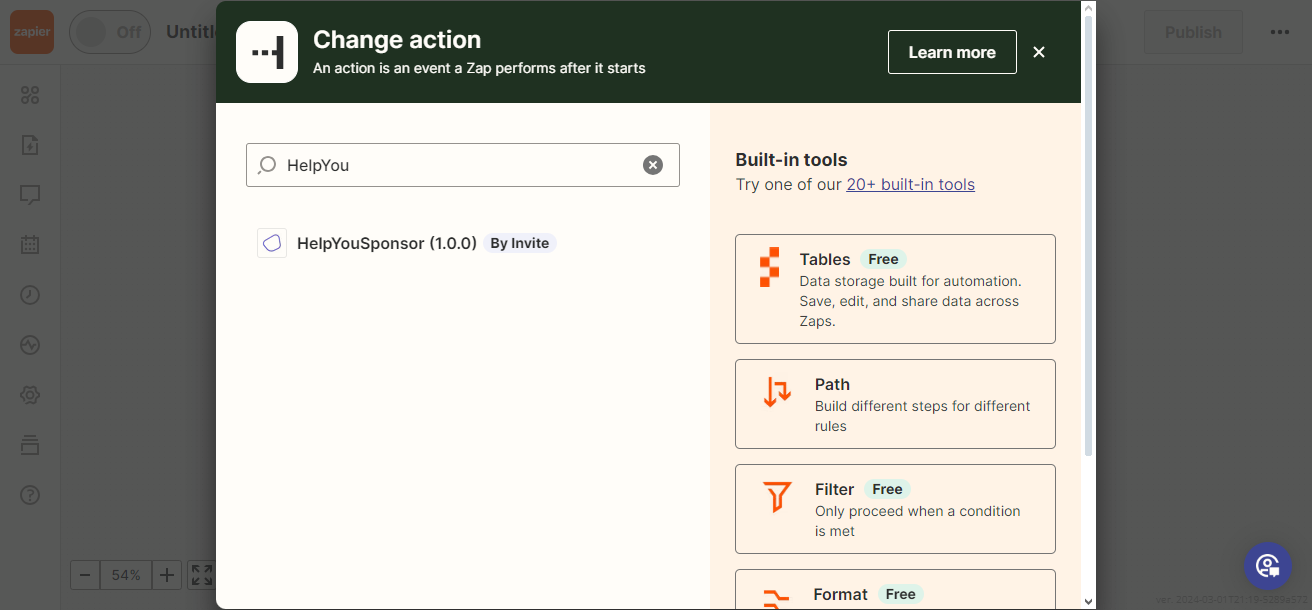
The current Zapier marketplace listing may still appear under the legacy name HelpYouSponsor. That listing connects to your Gratona workspace while the marketplace integration is being renamed.
Before you start
You need an active Gratona workspace and a user account with access to the records the Zap will use.
You need a Zapier account.
Decide which event should start the Zap and which action should follow.
Recipient departures and sponsorship changes
Edit Entity updates a recipient's details. It does not archive the recipient, end their sponsorships, or move a sponsorship to another recipient. Changing a recipient field to match an external system's Inactive status does not perform those actions.
Choose an operation that matches the intended change: archive the recipient and resolve its sponsorships, reassign an existing sponsorship, or edit the recurring commitment. If the operation is not available in your Zapier action list, contact Gratona support about connecting the existing API operation to your workflow.
For a continuing sponsorship, reassignment preserves the existing payment setup. Confirm the source sponsorship and replacement recipient before enabling the Zap, and test one record before processing a batch.
Connect Gratona to Zapier
Open the integration using the button above.
Accept the invitation if Zapier prompts you.
When choosing an app in Zapier, search for Gratona. If it is not listed yet, search for the legacy marketplace name HelpYouSponsor.
Authenticate with your Gratona account.
Select a trigger or action, test it with a non-critical record, and review the mapped fields.
Enable the Zap after the test produces the expected result.