
Household Table
Updated 2 months ago
.
Household Table
Use the Households tab when you need to review household records, find a household by name, update household details, or send household year-end donor statements.
Open Donors from the sidebar, then select Households.
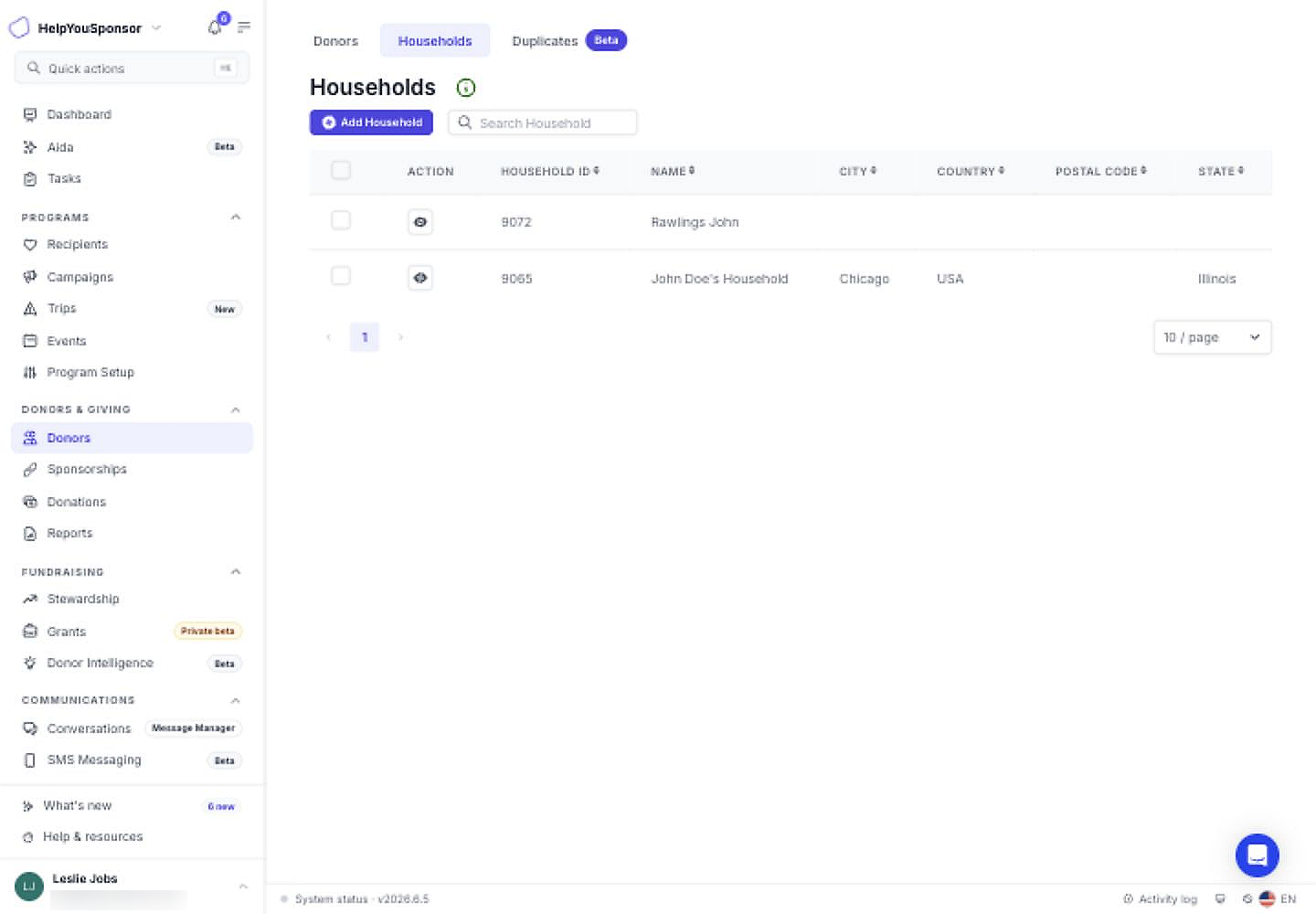
The Households tab lists household records and the main tools for household management.
Review Household Records
Each row represents one household. The table can include:
an action button for viewing or editing the household
Household ID
Name
City
Country
Postal Code
State
custom household profile fields from the household form
Use the table footer to change page size or move between pages.
Search for a Household
Use Search Household when you need to find a household by name.
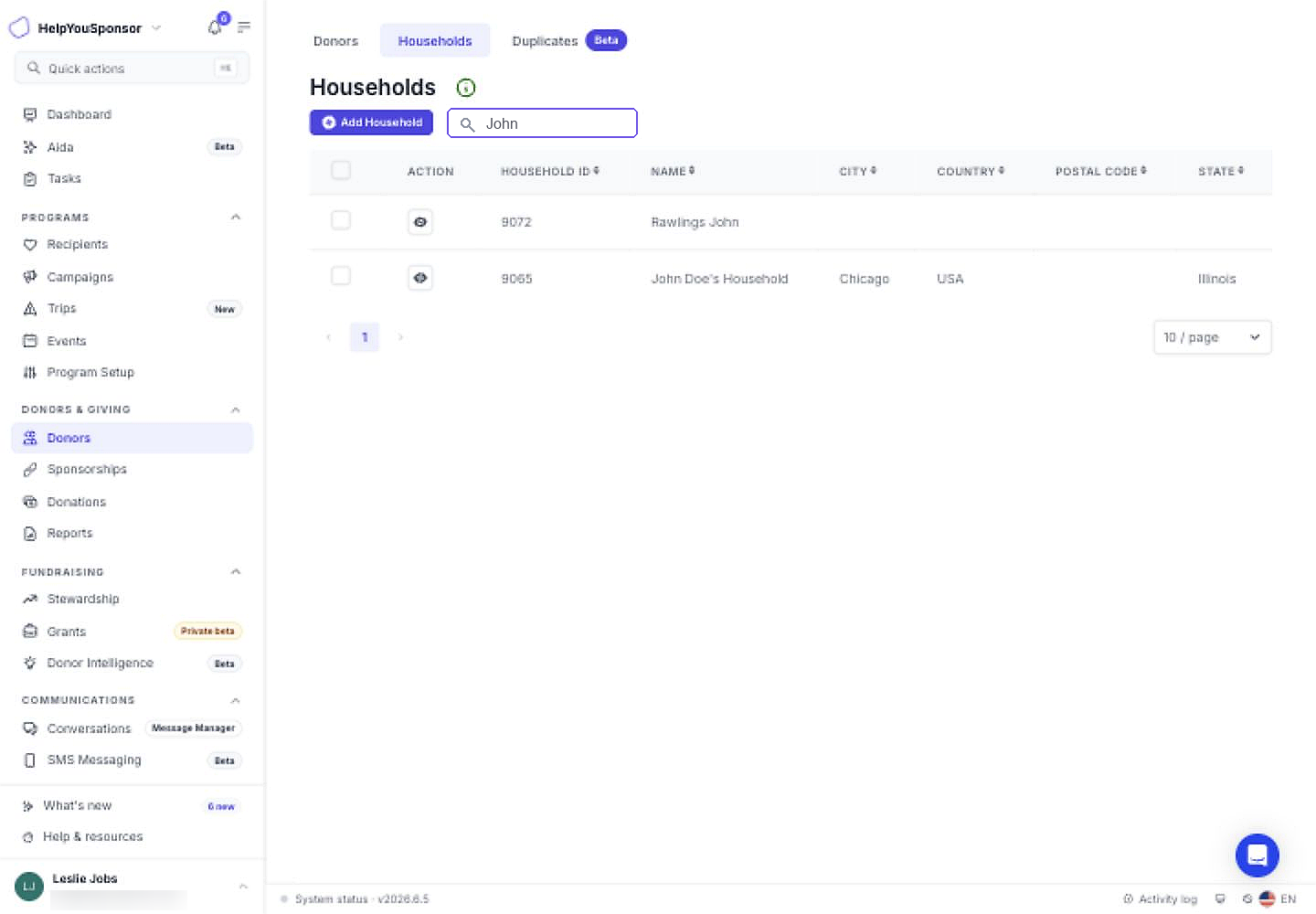
Search Household narrows the table to matching household records.
Clear the search field to return to the full household list.
View or Edit a Household
Select the view action in a household row when you need to review or update that household.
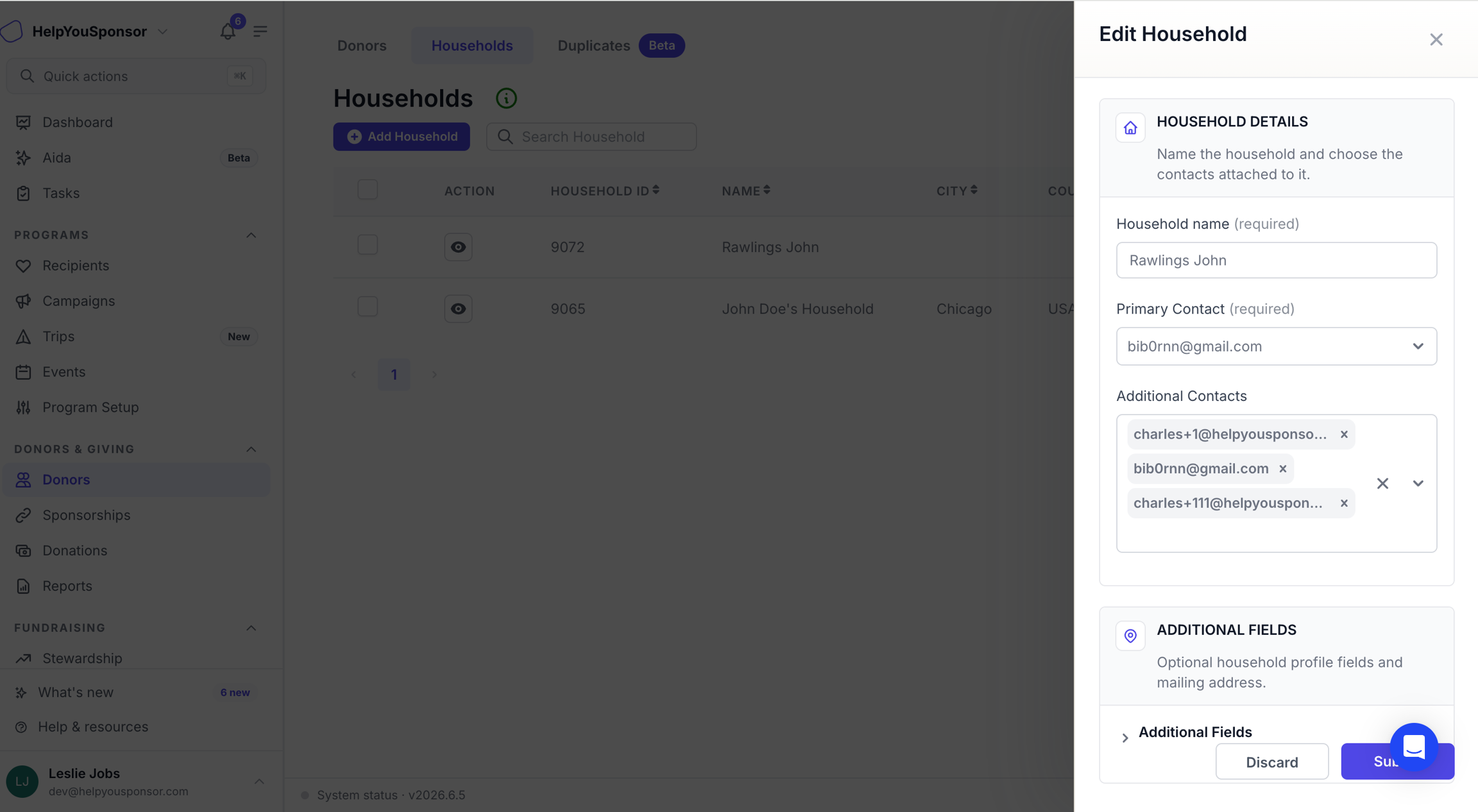
The Edit Household drawer lets permitted admins update the household name, contacts, additional fields, and address.
The drawer includes the required household name and primary contact, optional additional contacts, custom household profile fields, and mailing address fields. Use Discard to close without saving changes, or Submit when you are ready to save the updates.
Send Household Year-End Statements
Select one or more household rows when you need to send household year-end donor statements. The year-end statement action appears after households are selected.
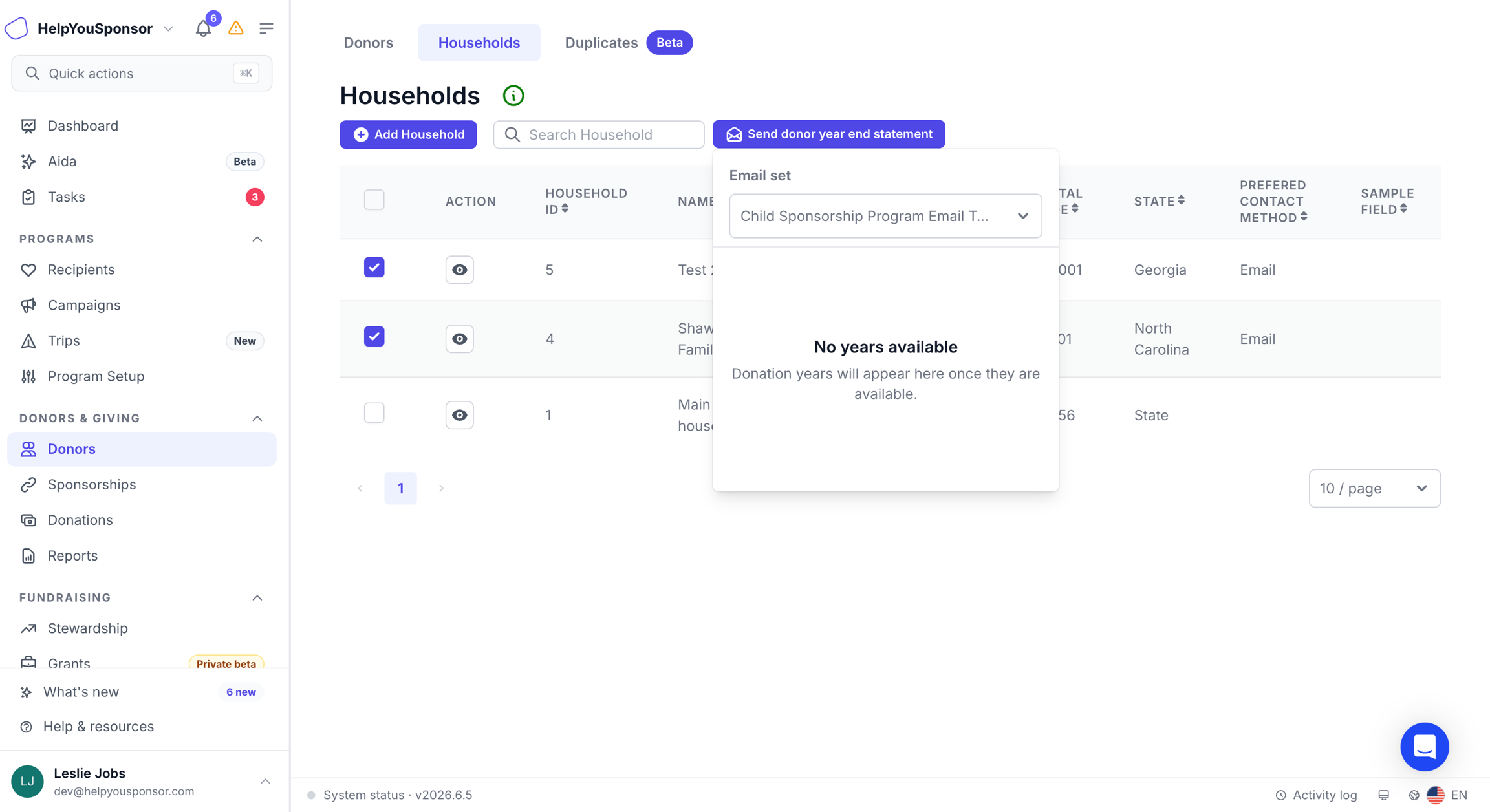
After selecting households, choose an email set and year before confirming year-end statements.
Choose the email set first, then choose the year when years are available. Gratona opens a confirmation dialog before sending statements. Review the selected households, email set, and year before selecting Send.
If no statement years are available, the menu shows that there are no years available.
Add a Household
Use Add Household when you need to group donors into a new household record. See Add Household for the full workflow.
Permissions
Your role controls whether you can open the Households tab, add households, edit household records, select households, or send household year-end statements. If an action is missing, your role may not include household-management access.