
The donor tried to add the suggested recipient, but the recipient is no longer publicly available. The original order is unaffected and the donor can continue. Choose another suggested recipient in Program Settings.
Offer an optional sponsorship during campaign checkout
Updated 7 days ago
A campaign donation page can suggest one sponsorship recipient while the donor is checking out. The donor decides whether to add it: the suggested sponsorship is never preselected, and the original campaign gift stays in the order either way.
Before you start
The offer is configured on the setting profile used by a campaign program, and it works only when:
The recipient program is a sponsorship program (Number of Sponsors, contribution, funding, or one-time) and is not a linked sub-program.
The campaign setting and the recipient program use the same donor form.
The suggested recipient is public and available. Only available public recipients can be suggested.
Configure the offer
Open Program Setup > Program Settings.
Select the Settings tab and edit the setting profile used by the campaign.
In Order Page Options (labelled Donation Page Options in some setting profiles), enable Offer an optional sponsorship at checkout.
Choose the Recipient program, then the Suggested recipient.
Enter an Offer heading of 120 characters or fewer. If you leave it empty, donors see the default heading "Meet someone you could sponsor".
Select Save.
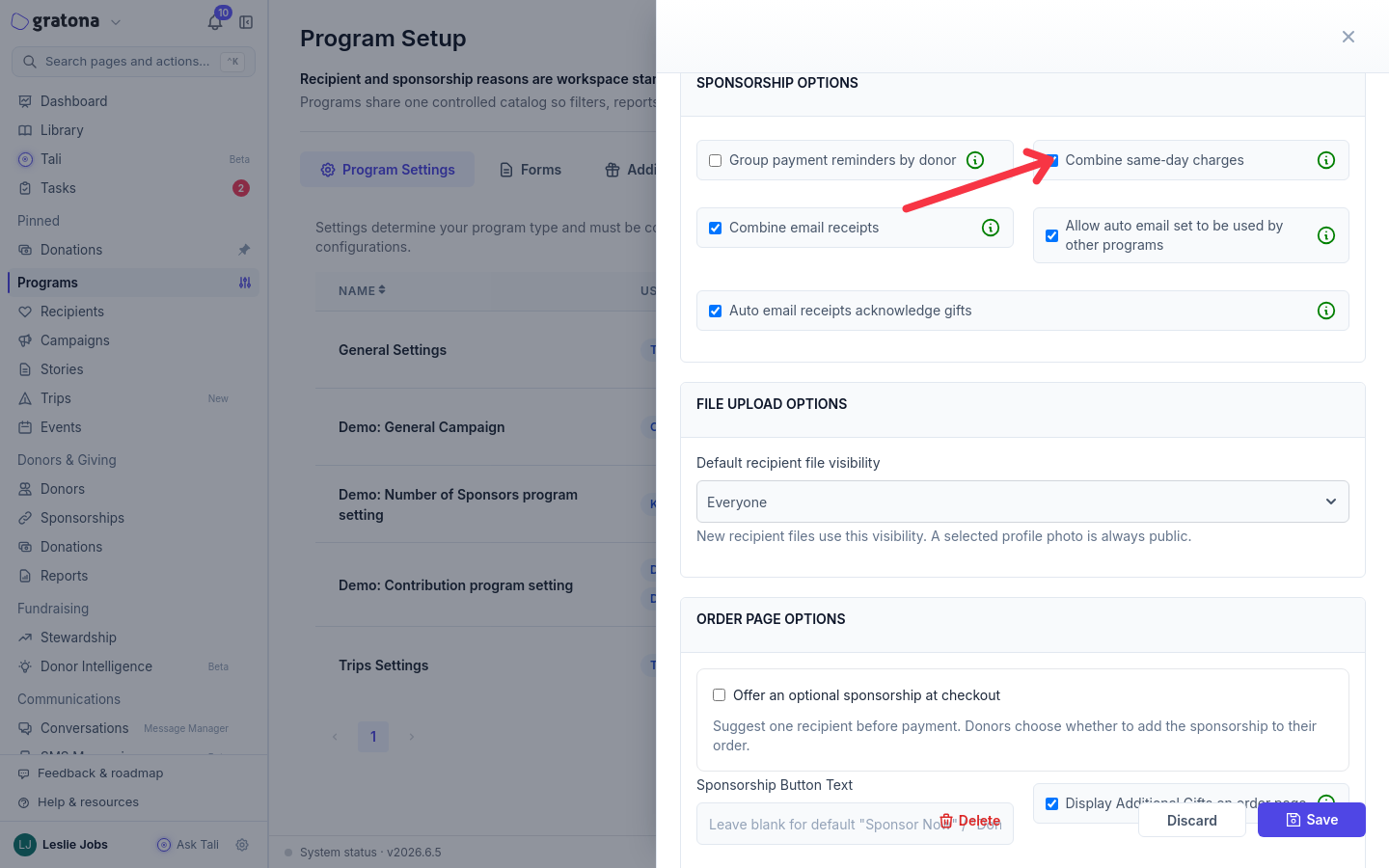
A setting profile can be shared by several programs. Enabling the offer affects every program attached to that profile, and Gratona rejects the setup unless the offer and every program using the profile share the same donor form. Clone the profile first when only one campaign should make the offer.
What donors see
After the donor chooses a designation and continues to checkout, an Optional sponsorship section appears before payment with the text: "You can include a sponsorship with your gift. Your original selection stays in your order."
The section shows the recipient's title, amount, and frequency, with an About disclosure for the recipient's details.
Sponsorship amount lists the recipient program's configured preset amounts, shown like "$25 · Food". When the recipient program allows custom amounts, donors can choose Other amount and enter their own amount per payment.
Payment frequency lists the recipient program's configured frequencies.
The add button names the recipient, for example Add Amara to my order. After adding, the section confirms: "Added to your order. Review the amount and schedule in your order summary."
Remove sponsorship takes the sponsorship back out of the order.
Donors who skip the offer continue with their original order. Nothing is added automatically.
This offer is separate from event checkout
The optional sponsorship offer appears on campaign donation checkout. Event registration checkout does not use it. Events have their own donation add-on setting, "Offer an extra donation during event checkout", which adds an extra donation rather than a sponsorship. Keep event sponsor packages, event donation add-ons, and this optional recipient sponsorship separate when you plan your fundraising.
If the offer does not work
"This optional sponsorship is no longer available. You can continue with your original order."
"This optional sponsorship could not be loaded. You can continue with your original order."
The recipient details could not be loaded at checkout. The original order is unaffected and the donor can continue. Check the recipient program and suggested recipient in the setting profile.
"The optional sponsorship is no longer available. Remove it from your order before continuing."
The suggested sponsorship is already in the order and became unavailable before payment. The donor must remove it with Remove sponsorship before the order can continue. Choose another suggested recipient in Program Settings for future donors.
Related guides
Was this helpful?
Was this helpful?