
Find Donor By Email Address
Updated 2 months ago
For the complete documentation index, see llms.txt. This page is also available as Markdown.
Find Donor By Email Address
In this Zapier action, you will use the action called Find Donor . Here you will place the email address for the donor that you want to retrieve.
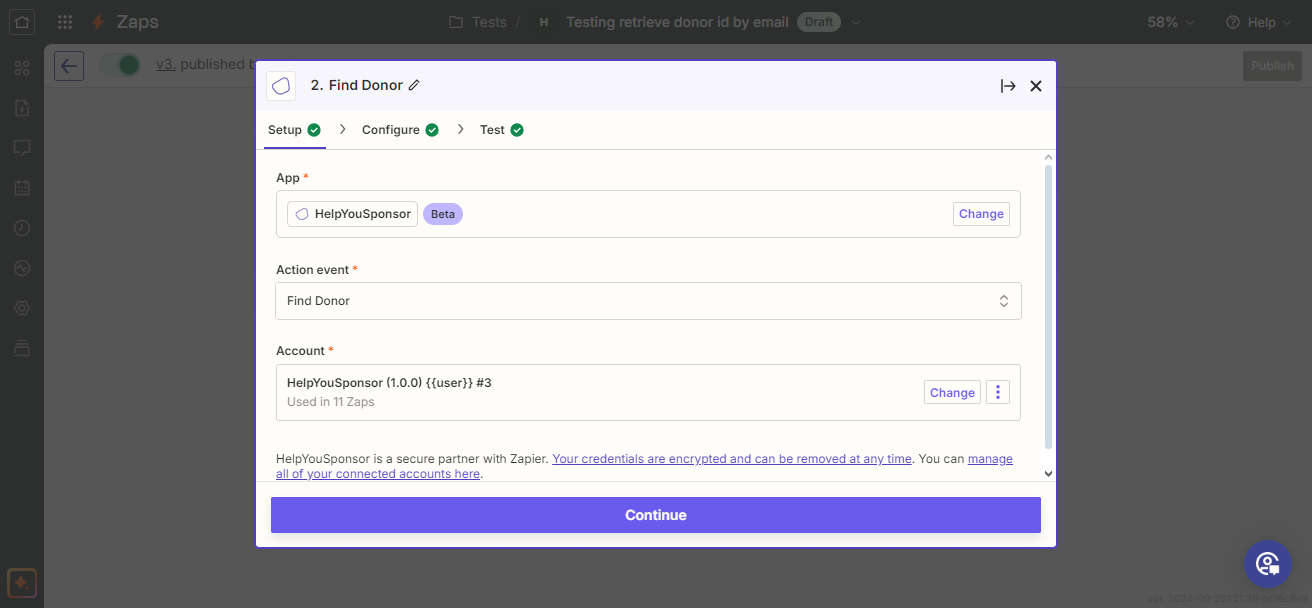
choose action
In this step you choose the App, then choose the event action. Then login so that your account details are retrieved and used to make the request. Then choose Continue to move to the next step.
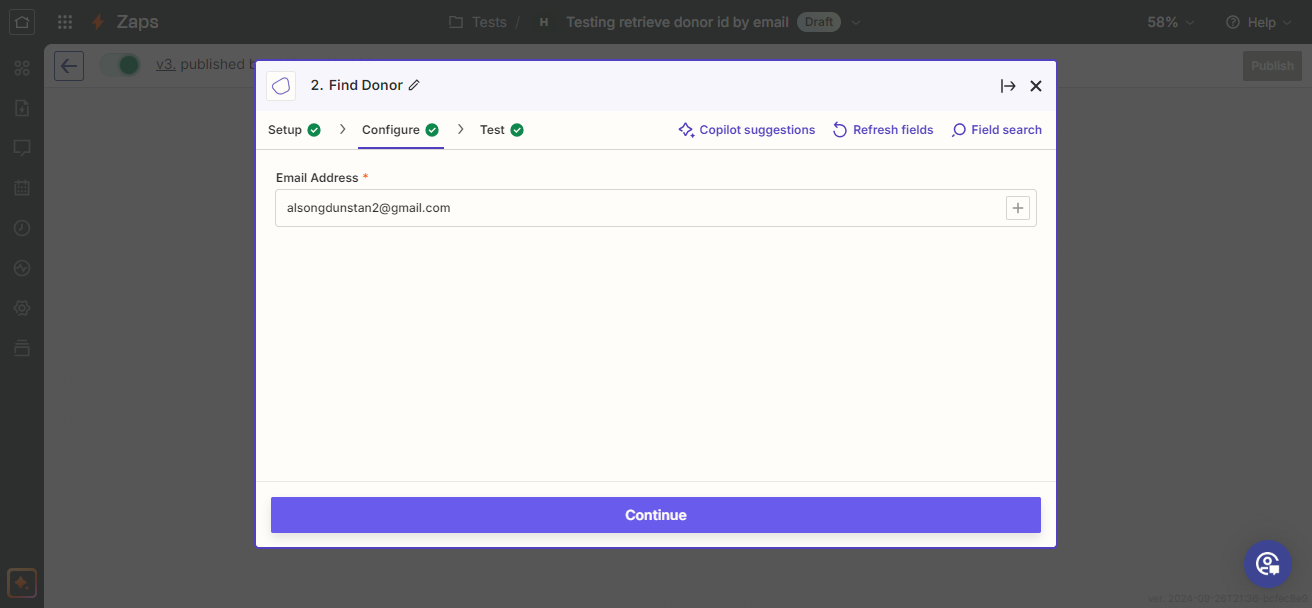
enter email address
In this step you are to place the email address for the donor that you would want to retrieve. Then click the Continue button to make the request.
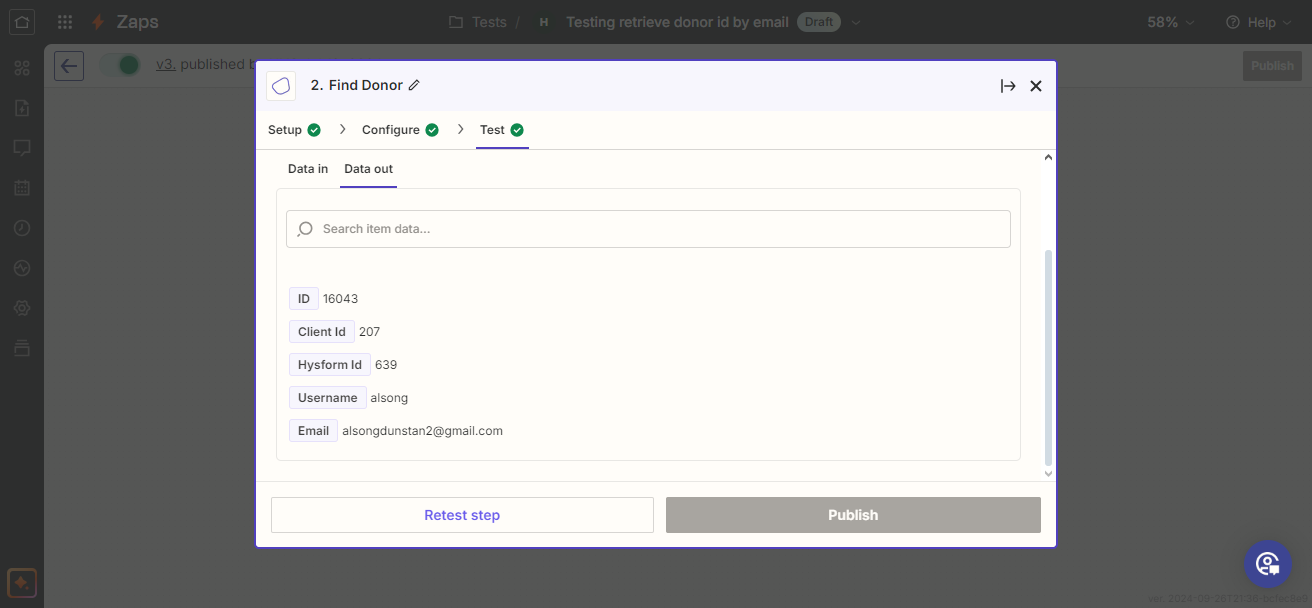
make test
After that you can then Publish your Zap.
Was this helpful?
Was this helpful?