
Payment Gateways
Updated 2 months ago
.
Payment Gateways
Use Payment Gateways when your organization needs to accept donations, sponsorship payments, or campaign gifts through a connected payment provider.
We currently support Stripe, Paypal, Flutterwave, QPayPro, and Authorize.net payment gateways.
Gratona supports one credit card payment gateway at a time, with PayPal available alongside a supported credit card gateway. You can use PayPal plus one of Stripe, Flutterwave, QPayPro, or Authorize.net.
NOTE:You can only add or activate PayPal if the selected Base Currency is supported by PayPal payment gateway.
To open Payment Gateways, open the account menu at the bottom of the sidebar, select Organization settings, then select Payment gateways.
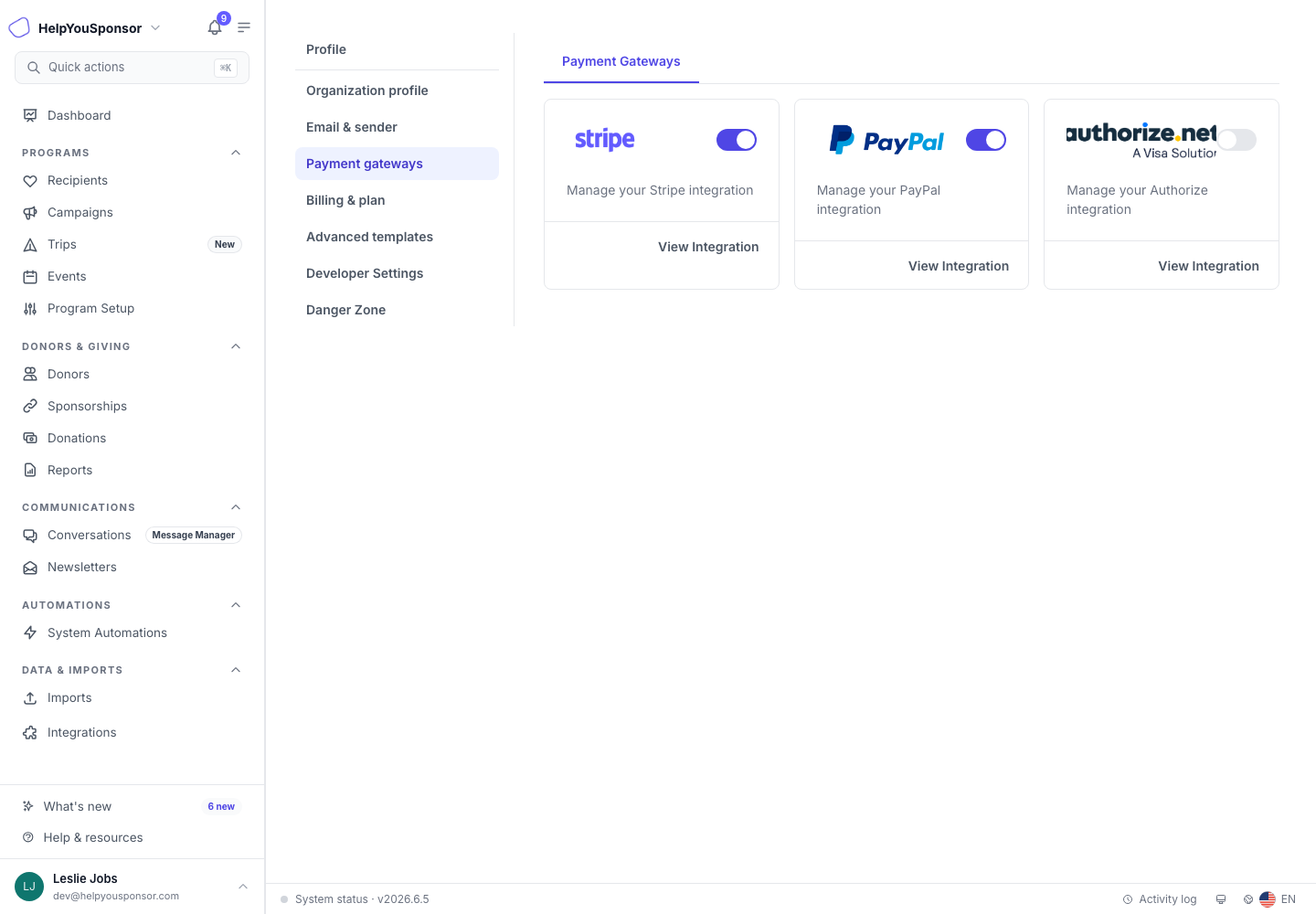
Payment gateways is the Organization settings area for Stripe Connect and other payment providers.
For Stripe, use Stripe Setup to review Stripe Connect and legacy Stripe guidance.