
Budget Tracking
Updated 2 months ago
.
Budget Tracking
Budget Tracking helps you list the expected expenses for a trip and compare that total against the trip's fundraising goal.
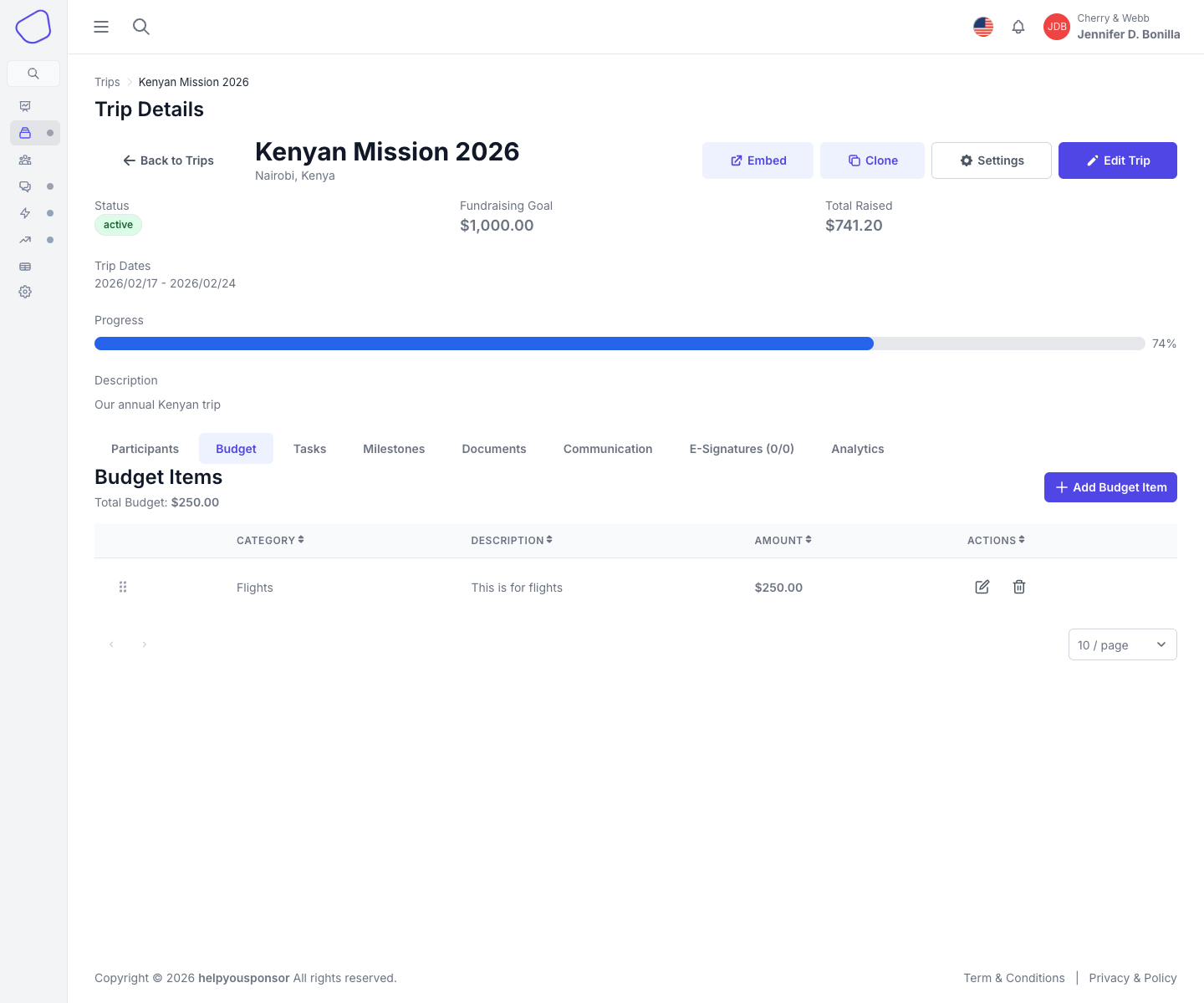
Screenshot placeholder: Budget tab showing budget items and the trip budget total
Open Budget Tracking
From Trip Details, open the Budget tab.
Budget table
The Budget tab lists each budget item with:
Category
Description
Amount
Actions for editing or deleting the item
Add a budget item
Click Add Budget Item and complete:
Category
Description
Amount
Save the item to add it to the trip budget.
Edit or delete items
Use the row actions to:
update the category, description, or amount
remove a budget line item after confirmation
Budget total and fundraising goal
The Budget tab shows the combined total of all budget items so you can compare projected expenses with the trip goal.
If your selected Trips Program Settings enables budget-to-goal syncing, changing budget items can automatically update the trip's fundraising goal.
See Trip Settings for how the trip inherits that behavior from the selected Program Settings.