
Trip Messages
Updated 2 months ago
.
Trip Messages
Trip Messages lives inside the Communication tab in Trip Details. It combines outbound messaging with manual activity logging, so your team can send updates and keep a communication history in one place.
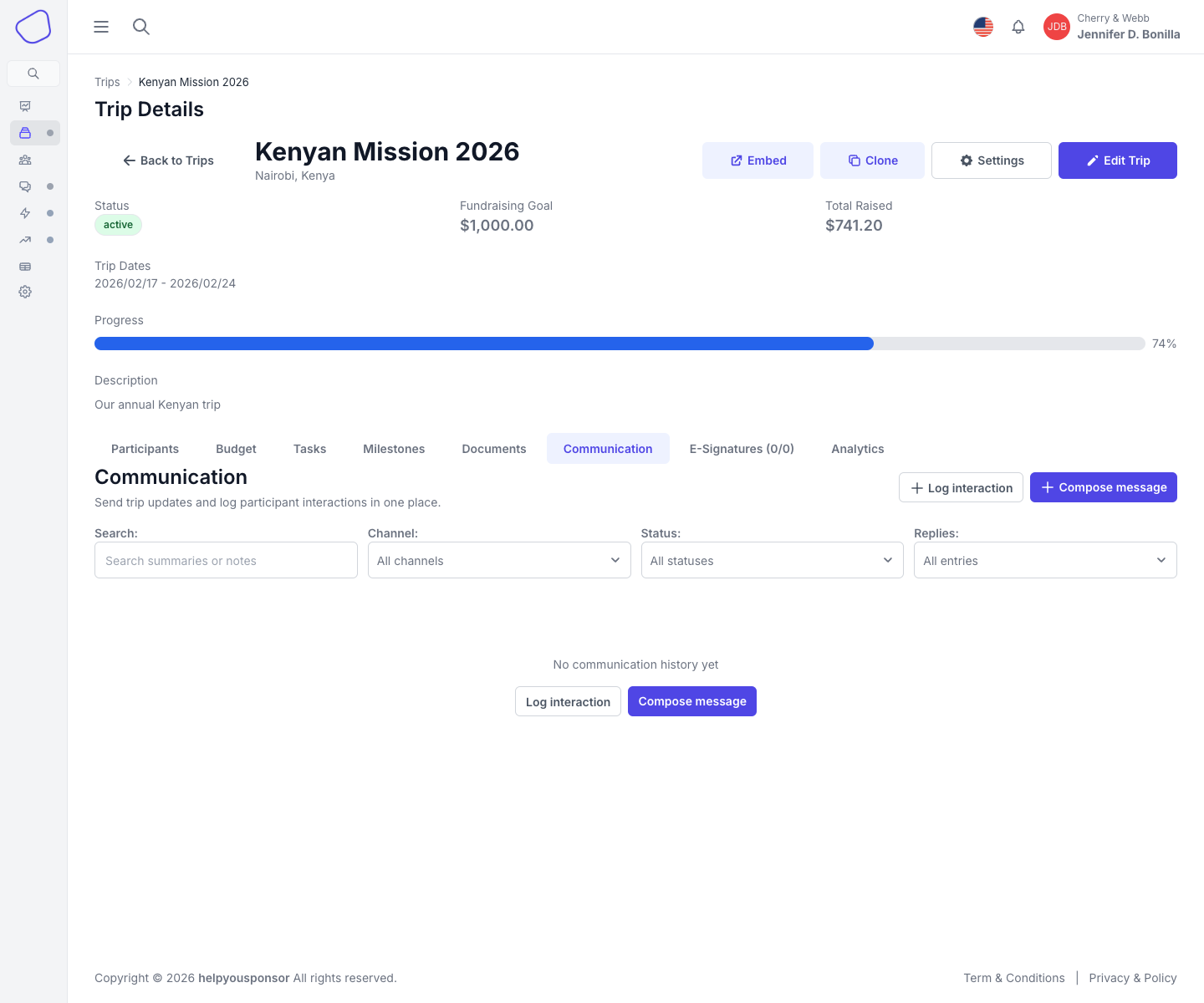
Screenshot placeholder: Communication tab showing message history, filters, and the compose actions
Open Trip Messages
Open Trip Details.
Click the Communication tab.
Two communication workflows
The current Communication tab supports two main actions:
Compose message for outbound email or SMS
Log interaction for manual phone-call or note history
Compose message
Use Compose message when you want to send a new trip update.
Available message channels:
Email
SMS (Twilio)
The compose form includes:
Subject
Body
Channel
recipient filters
When you send the message, it is queued for delivery immediately.
Log interaction
Use Log interaction when you want to record a conversation or note without sending anything.
Available log channels:
Call or meeting
General note
Logging an interaction requires at least one selected participant.
Recipient targeting
Outbound messages can target:
All participants
Leaders only
Participants only
Specific participants
participants with any incomplete task
participants with a specific incomplete task
participants below a fundraising amount threshold
Communication history
The history table shows:
subject and body preview
channel
linked participants or recipient count
status
activity date
sender
a details view
Statuses in history can include:
Sent
Draft
Logged
Search and filters
Use the filters at the top of the page to narrow history by:
search text
channel
status
entries with replies
Replies
When a communication record has replies, the details view shows the full thread history for that message.