
Stripe webhook for legacy API keys
Updated 2 months ago
Configure this webhook only if your Gratona workspace uses legacy Stripe API keys. Workspaces connected through Stripe Connect do not need this setup.
Use the webhook endpoint shown in your Gratona payment settings. Do not copy an endpoint from another workspace or environment.
Create the Stripe webhook
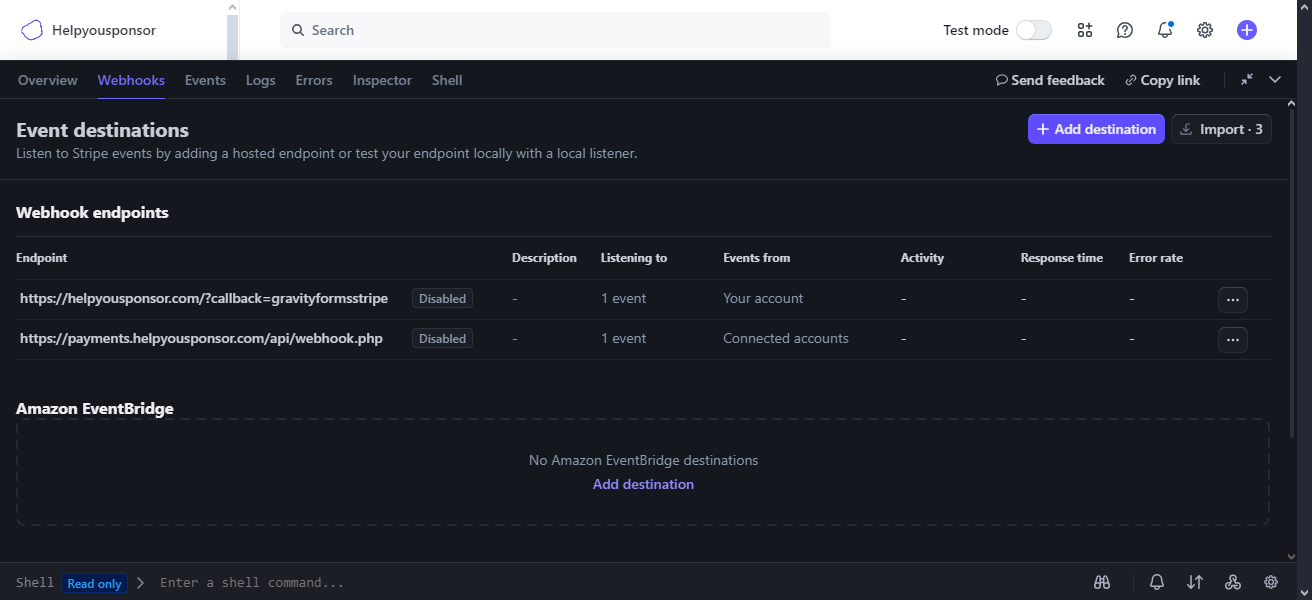
Sign in to Stripe and open Workbench > Webhooks.
Choose Add destination.
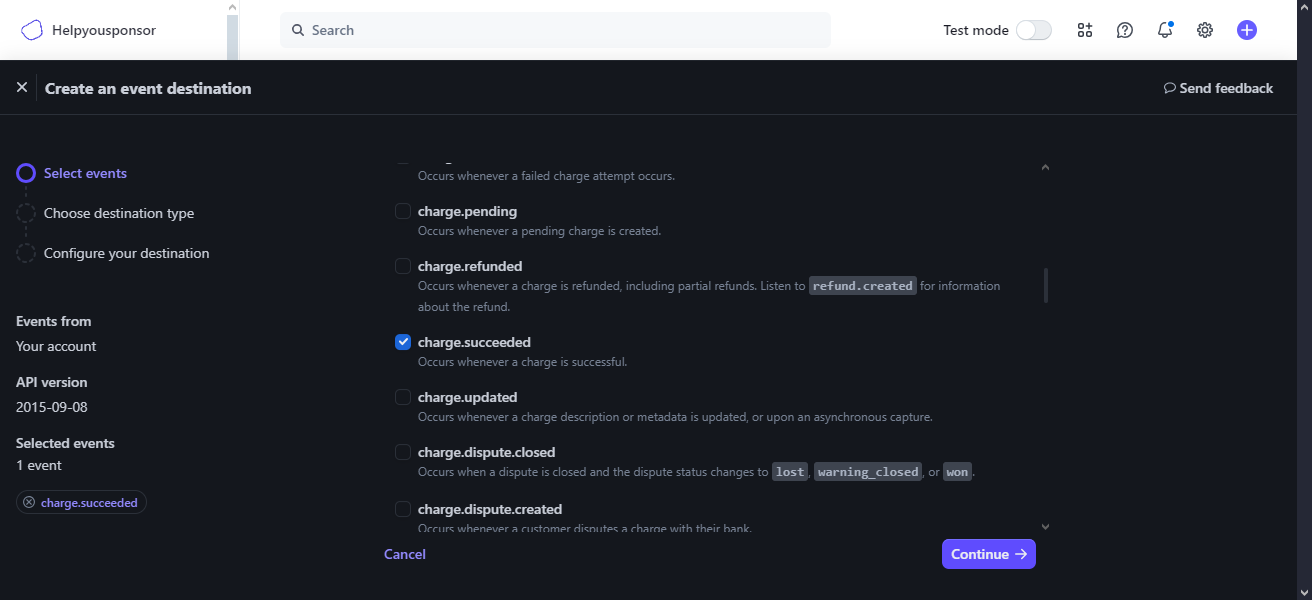
Select events from your account, then add the charge.succeeded event.
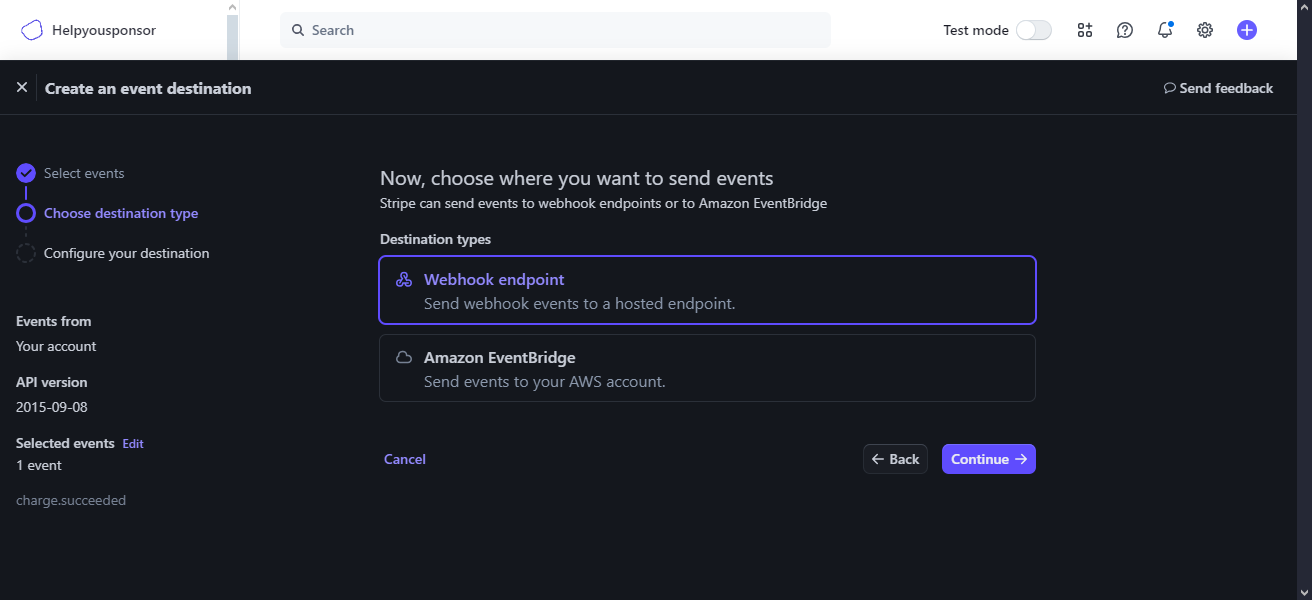
Choose Webhook endpoint as the destination type.
Copy the webhook endpoint from your Gratona Stripe payment settings and paste it into Stripe.
Create the destination.
Add the signing secret to Gratona
The signing secret lets Gratona verify that webhook events came from your Stripe account.
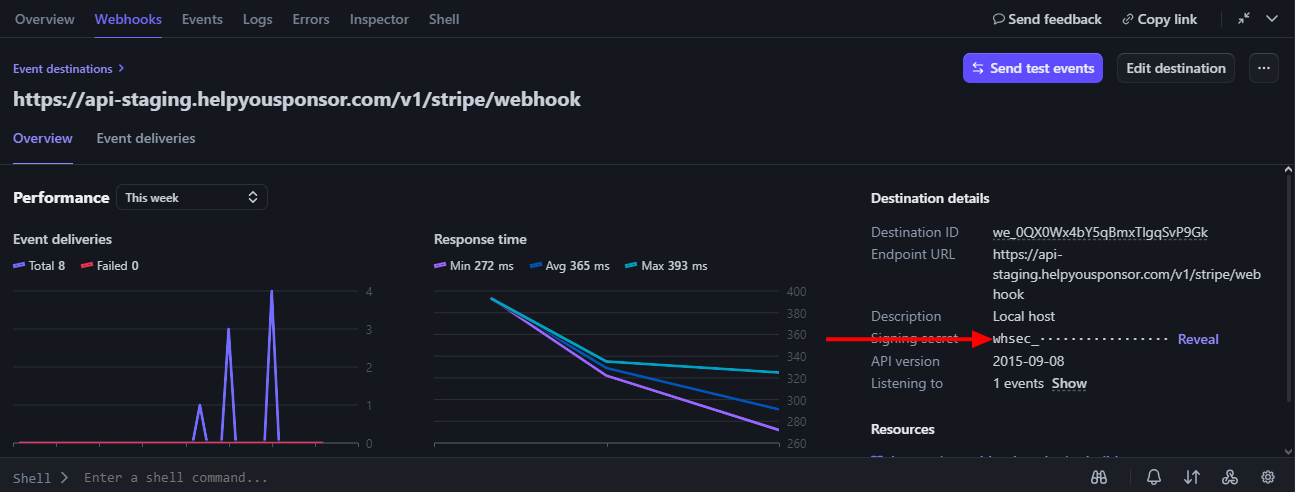
Open the webhook destination in Stripe.
Reveal and copy the endpoint's signing secret.
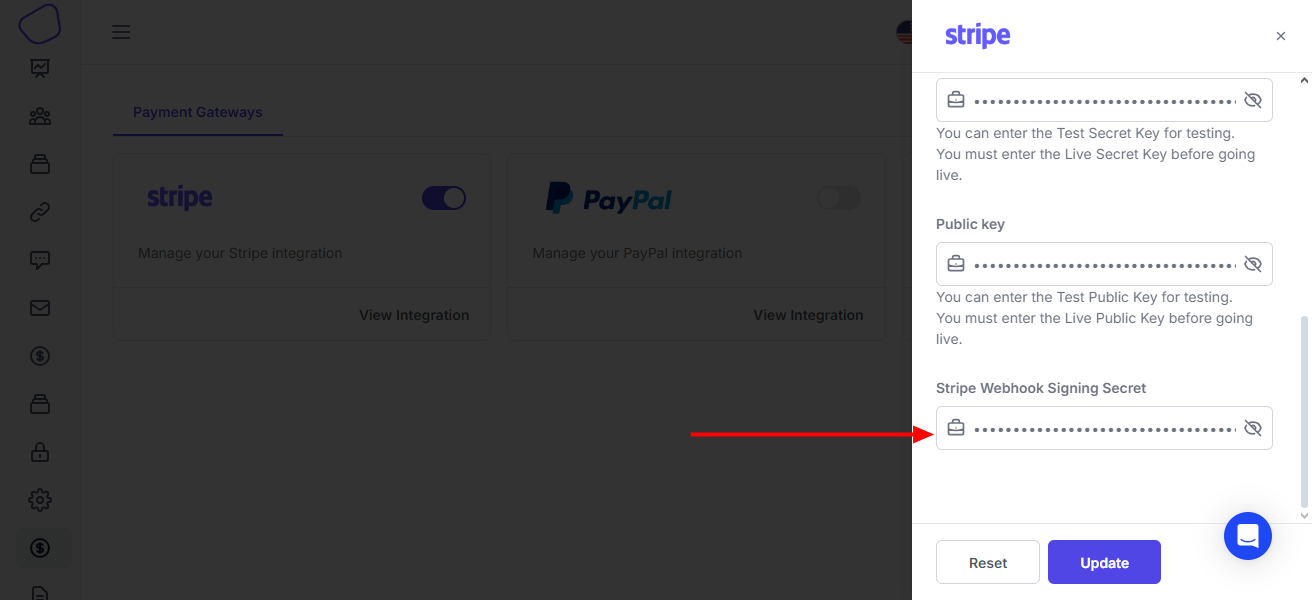
In Gratona, open the Stripe payment settings for the same workspace and environment.
Paste the signing secret into the webhook signing-secret field and save your settings.
After setup, run a test payment and confirm that the gift appears in Gratona with the expected status.