
Analytics and Exports
Updated 2 months ago
.
Analytics and Exports
The Analytics tab helps you review trip fundraising performance, participant momentum, and task completion from one dashboard. It also provides CSV exports for donations, participants, and tasks.
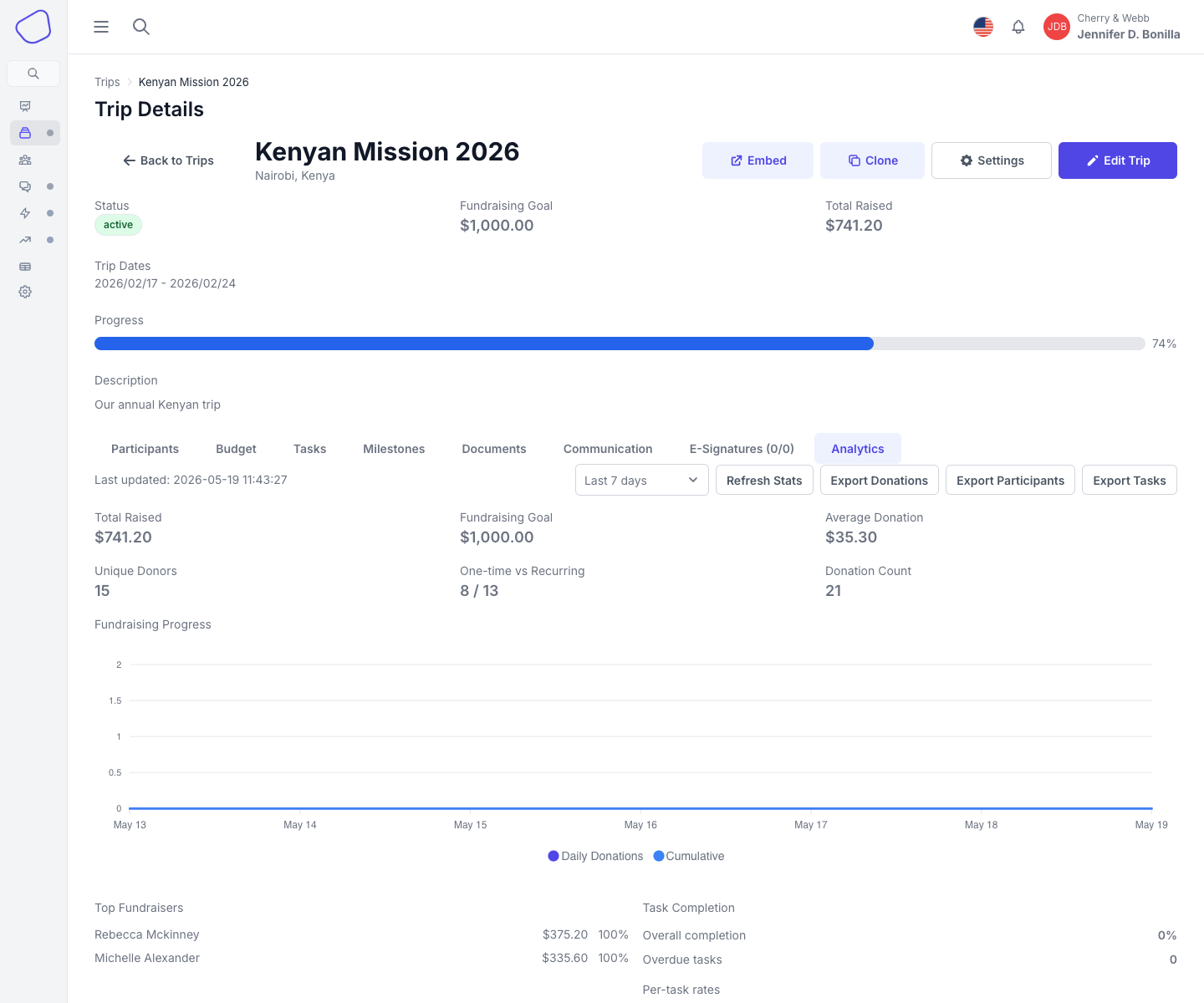
Screenshot placeholder: Analytics tab showing summary metrics, the fundraising chart, and export buttons
Open Analytics
Open Trip Details.
Click the Analytics tab.
Date range options
The current Analytics screen supports three date ranges:
Last 7 days
Last 14 days
Last 30 days
Use Refresh Stats when you want to reload the dashboard from the latest data.
Fundraising metrics
Analytics includes:
Total Raised
Fundraising Goal
Average Donation
Unique Donors
One-time vs Recurring
Donation Count
The page also includes a fundraising progress chart with daily totals and cumulative totals over time.
Participant insights
The Top Fundraisers card ranks participants by amount raised and progress percentage.
Task completion insights
The task section shows:
Overall completion
Overdue tasks
Per-task completion rates
CSV exports
The current Analytics tab includes separate export buttons for:
Export Donations
Export Participants
Export Tasks
Each button downloads a CSV for the selected trip.